



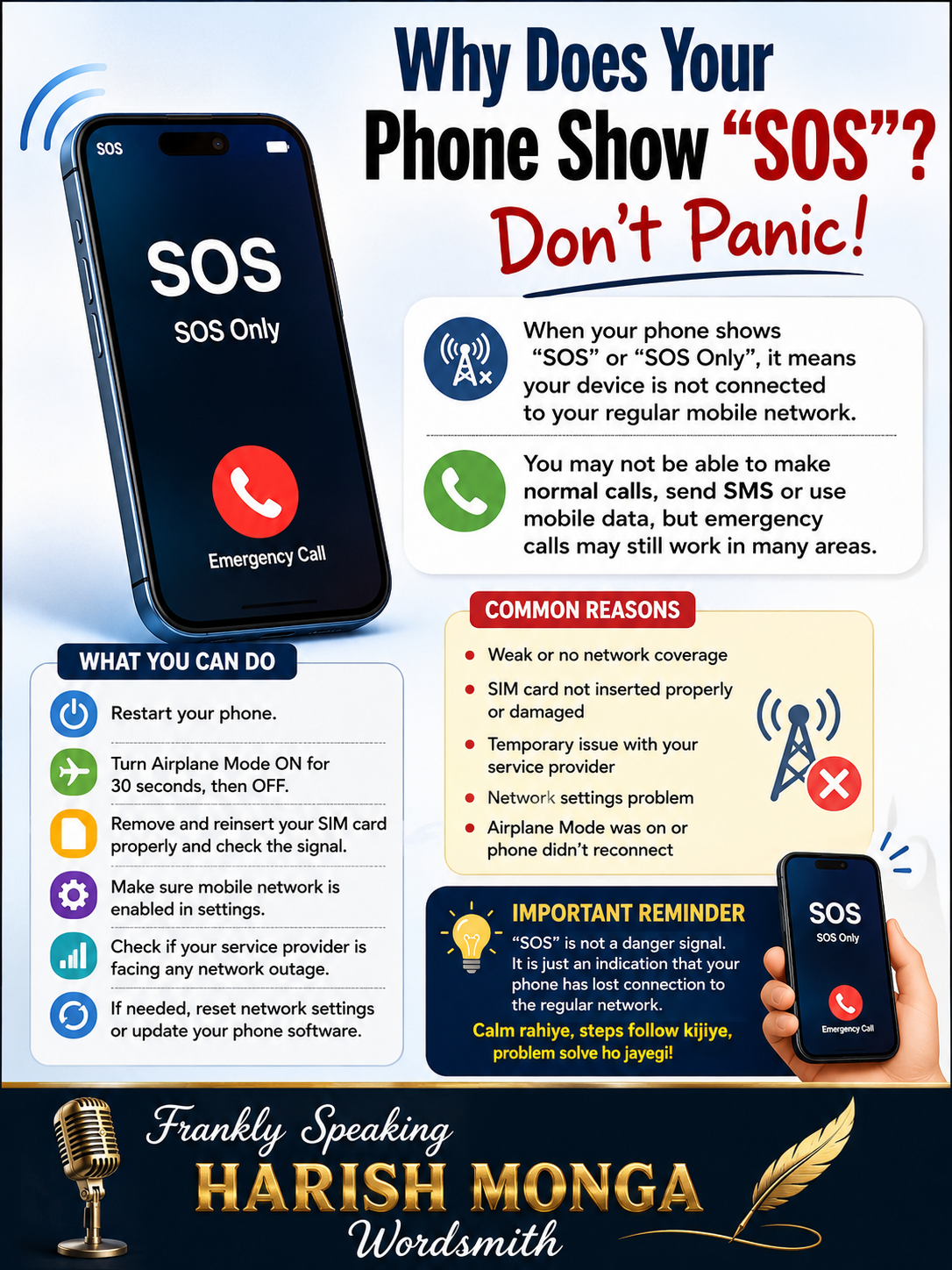
Why Does Your Phone Show “SOS”? Don’t Panic!
Why Does Your Phone Show “SOS”? Don’t Panic!
Has your phone suddenly started displaying “SOS” or “SOS Only” on the screen? Don’t panic! It doesn’t mean your phone is damaged. It simply means your device is unable to connect to your regular mobile network. In this situation, you may not be able to make normal calls, send text messages, or use mobile data, although emergency calls may still work in many areas.
The first thing you should do is restart your phone. Next, turn Aeroplane Mode ON for about 30 seconds and then switch it OFF. If the problem continues, remove and reinsert your SIM card, then check whether the network signal returns. Sometimes the issue is caused by weak network coverage, a faulty SIM card, or a temporary outage from your mobile service provider.
Frankly Speaking, “Remember, the ‘SOS’ message is not a danger alert. It is simply an indication that your phone has lost its regular network connection. Following these simple steps can solve the problem in most cases”.